![logo.jpg]](https://support.baasi.com/hs-fs/hubfs/logo.jpg?height=552&name=logo.jpg)
Start the Sign-Up Process
Access the Sign-Up Page
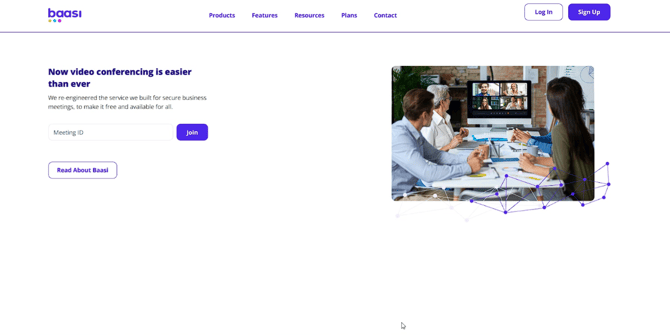
Click the Sign Up button to access the registration page and begin creating your Baasi account.
Choose Your Sign-Up Method
Select Sign up with Google or enter your email address to proceed with account creation.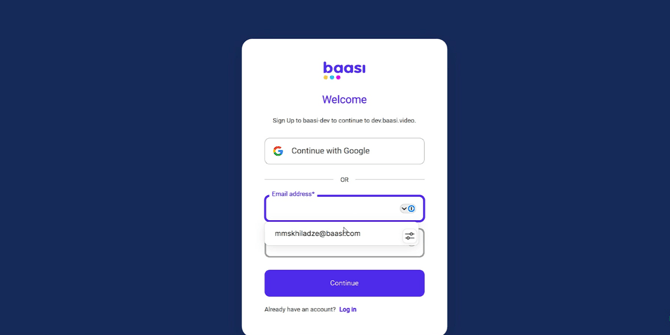
Provide Your Email and Password
Enter Your Email Address
Enter your email address in the designated field. This email will be used for verification and account communications.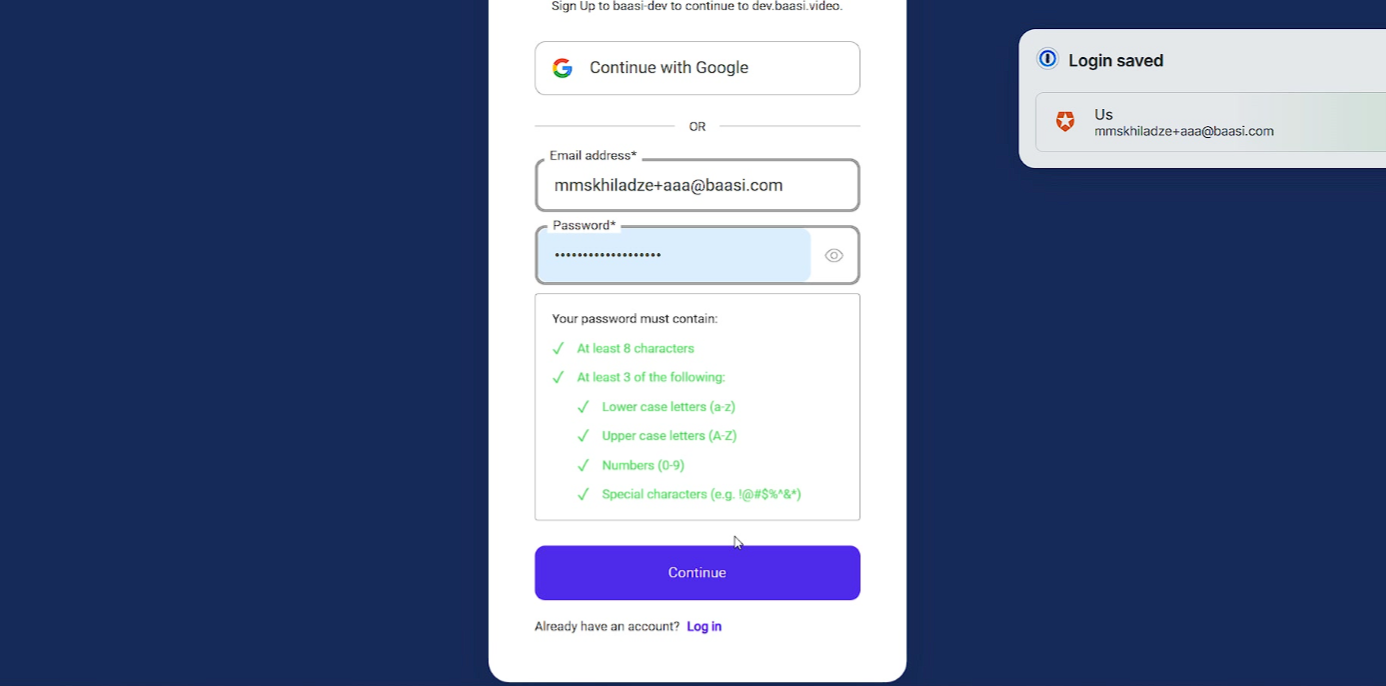
Create a Secure Password
Create a strong password that meets the specified requirements to protect your Baasi account.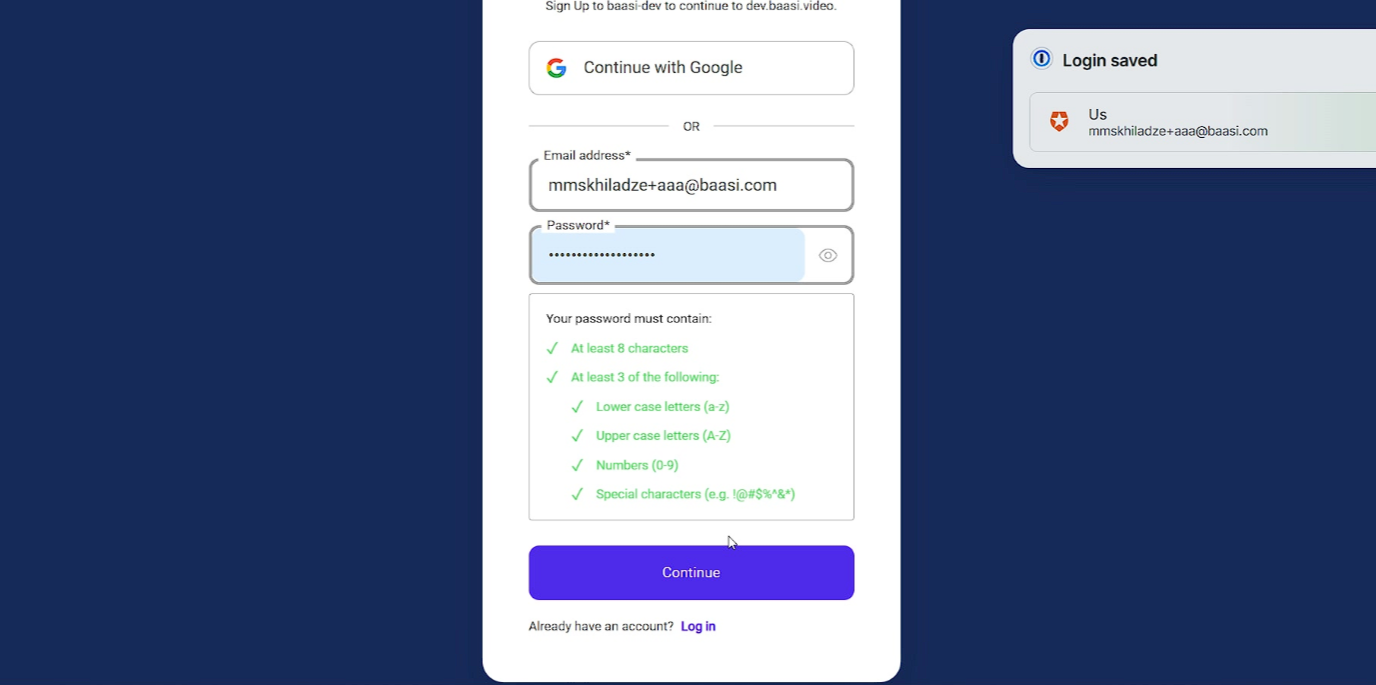
Continue to Verification
Click the Continue button after entering your email and creating a password to send your registration details for processing.
Verify Your Email Address
Enter the Verification Code
Enter the four-digit verification code sent to your email to confirm your email address ownership.
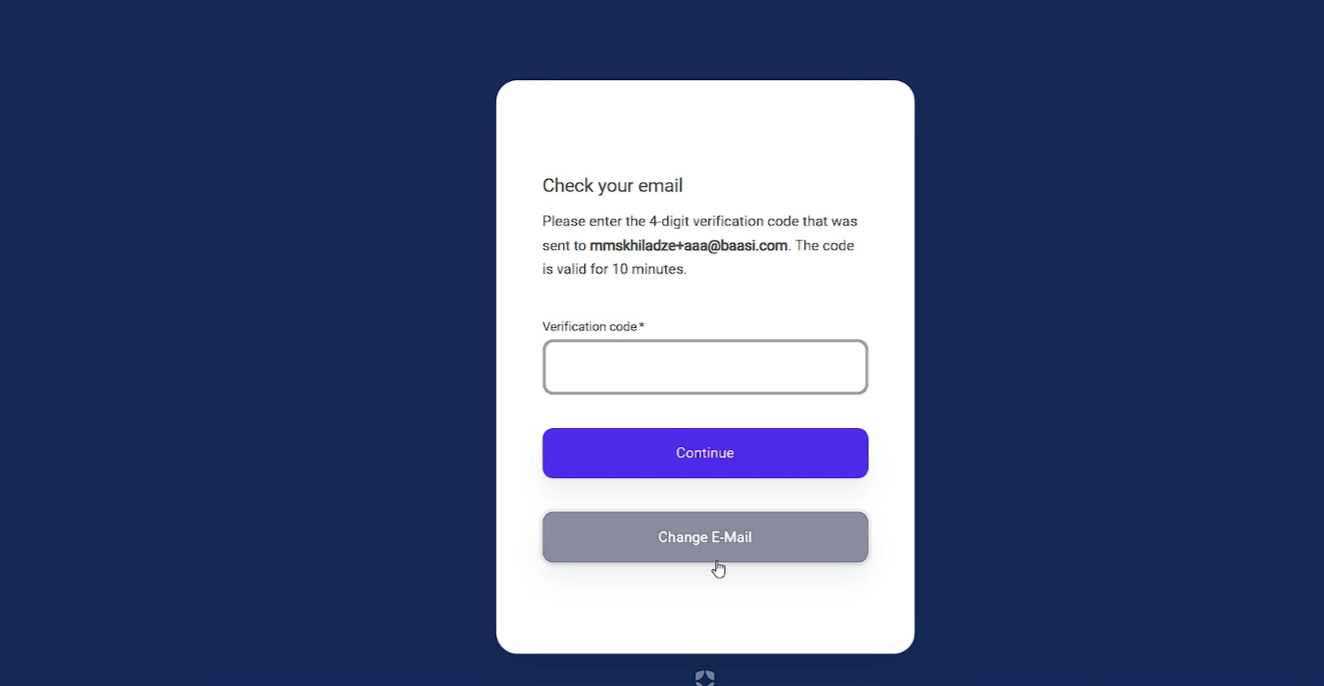
Submit the Verification Code
Click Continue after entering the verification code to complete the email verification process and move forward with account setup.
Enter Your Personal Information
Select Your Country
Select your country from the dropdown menu to tailor your Baasi experience to your region.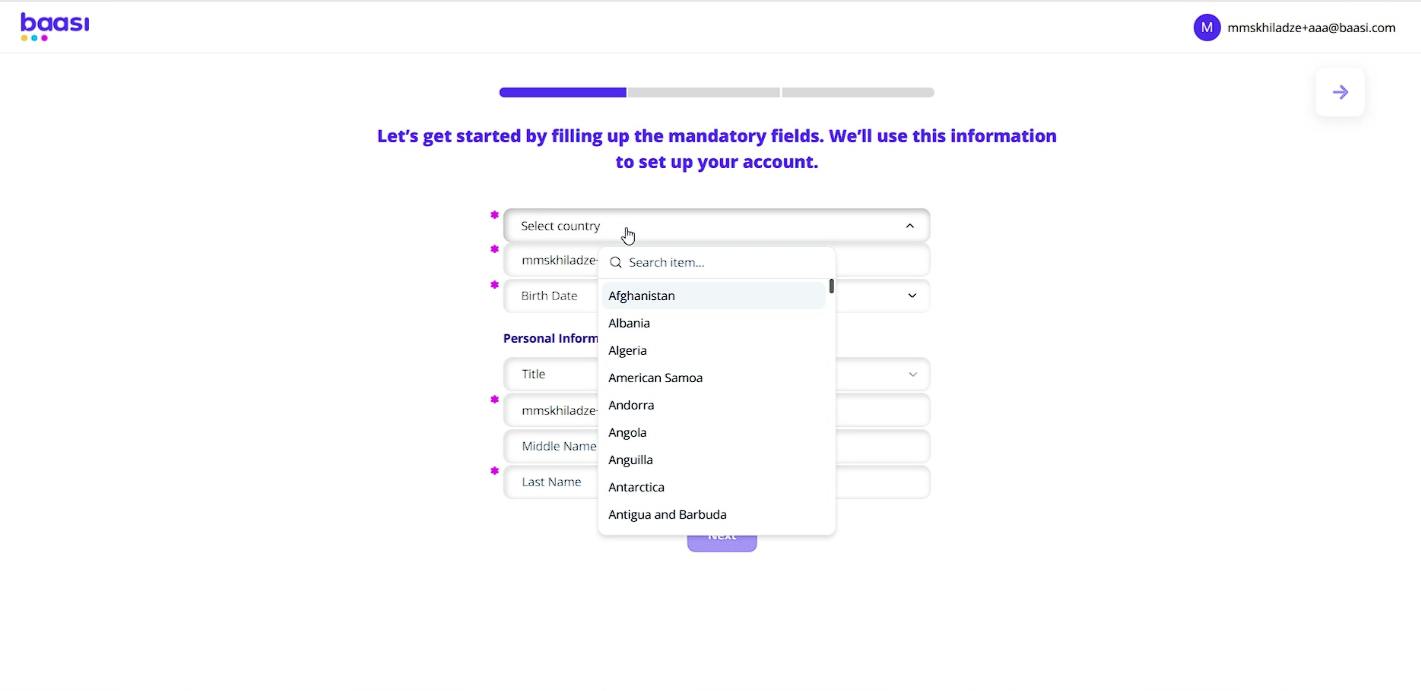
Enter Display Name
Enter your display name in the provided field to identify your account.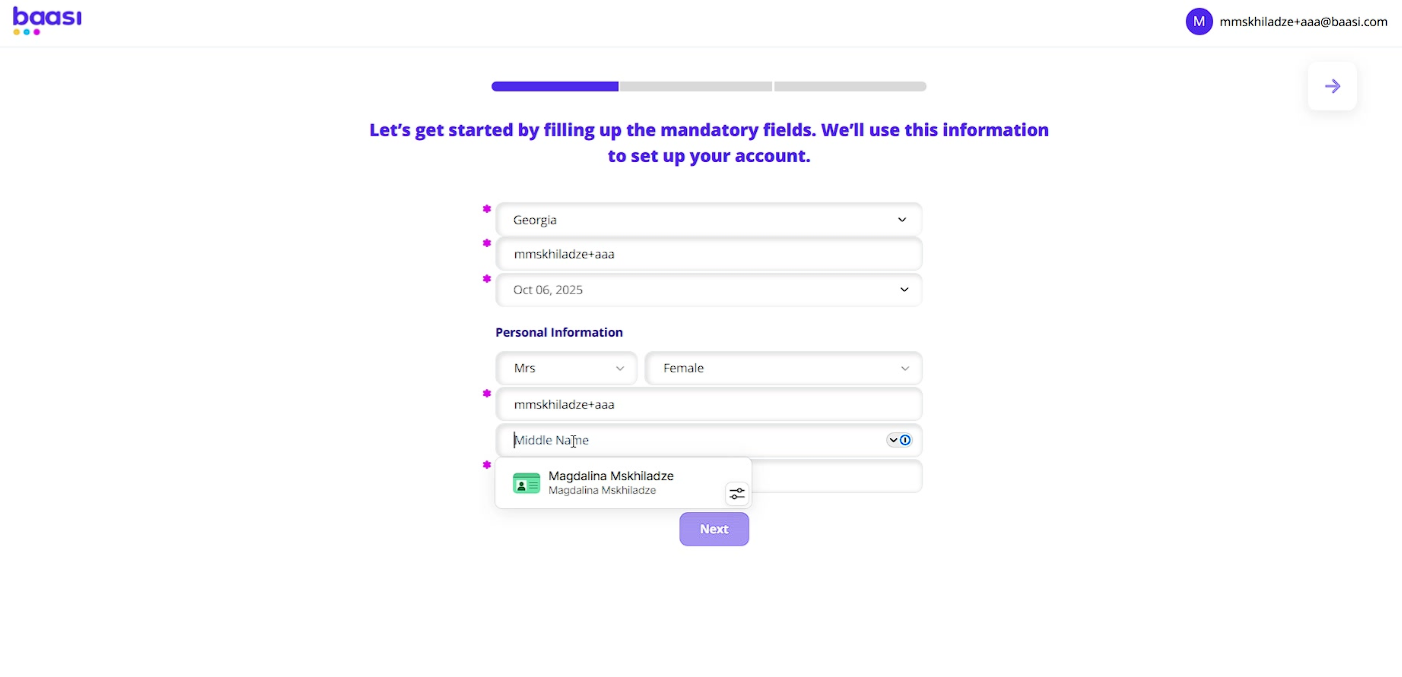
Select Your Birth Date
Select your birth date to complete your personal details and ensure age-appropriate content and services.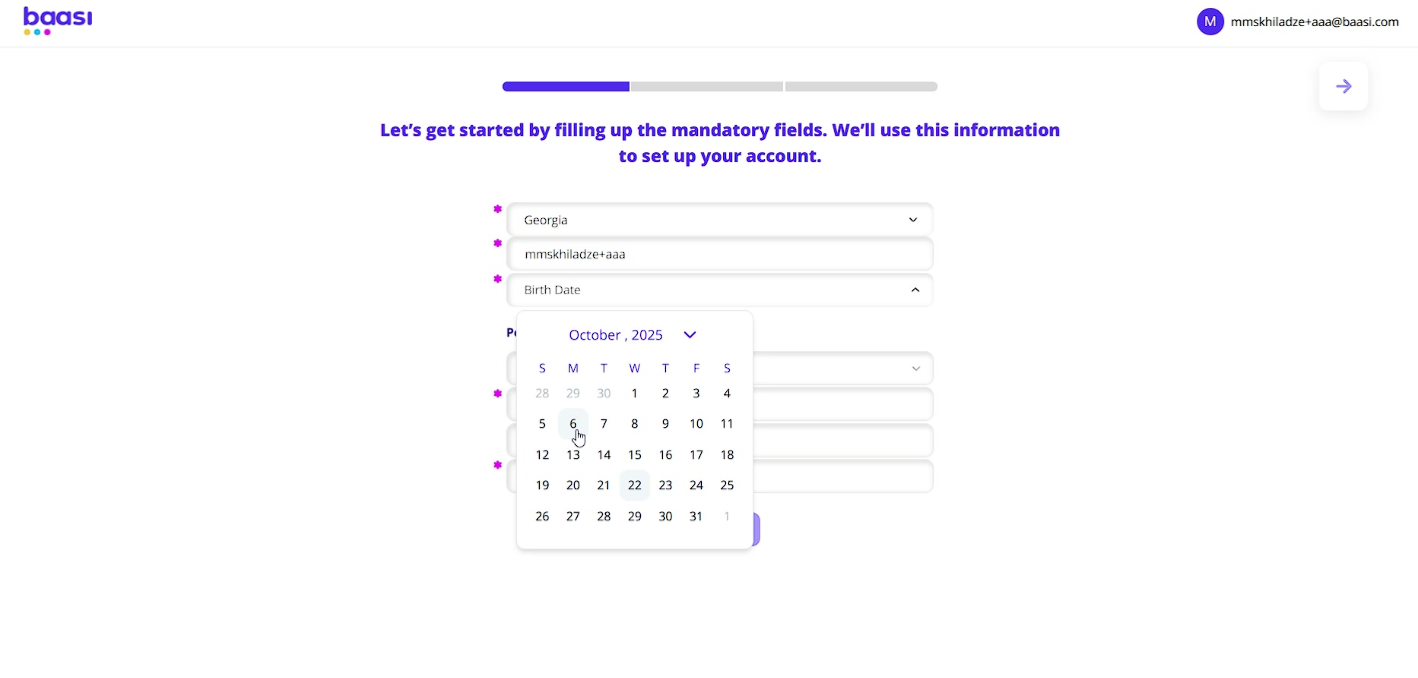
Select Your Title
Select your title (e.g., Mr., Mrs., Ms.) from the available options to further define your profile.
Select Your Gender
Select your gender to complete your personal profile and customize your user experience.
Enter Your First and Last Name
Enter your first and last name in the designated field to complete your basic identity information.
Provide Contact and Address Details
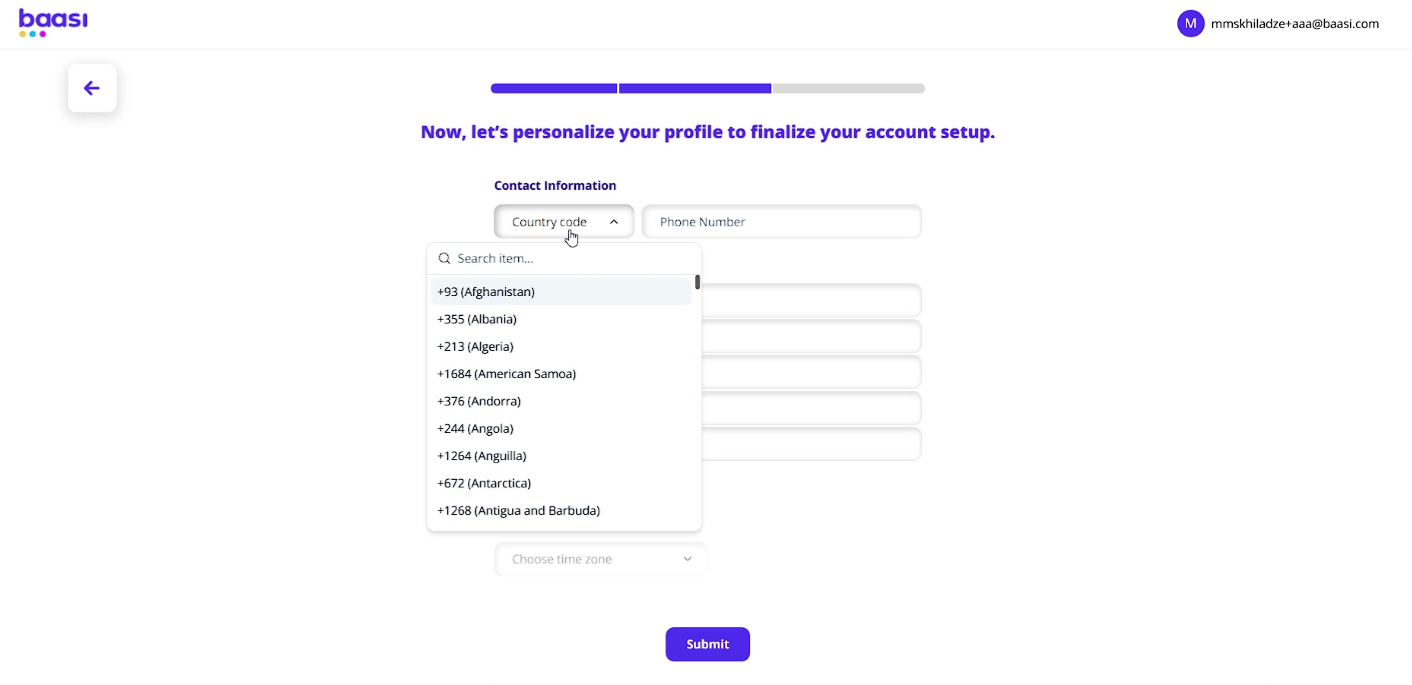
Select Your Country Code
Select your country code from the dropdown menu to ensure your phone number is correctly formatted for international communication.
Enter Your Phone Number
Enter your phone number in the provided field to add a direct communication method to your profile.
Enter Address Line 1
Enter the first line of your address to provide your primary location for relevant services or information.
Enter Address Line 2
Enter the second line of your address for additional, specific location details.
Enter Your City
Enter your city in the designated field to specify your location and localize your Baasi experience.
Enter Your State or Province
Enter your state or province to refine your location and ensure accurate geographical data for your profile.
Enter Your Zip Code
Enter your zip code to complete your address details and provide precise location information for your account.
Select Your Time Zone
Select your preferred time zone to ensure accurate scheduling and timestamps, synchronizing your Baasi activities with your local time.
Submit Your Account Details
Click the Submit button to finalize your account setup. This action creates your new Baasi user account, granting you access to the platform.